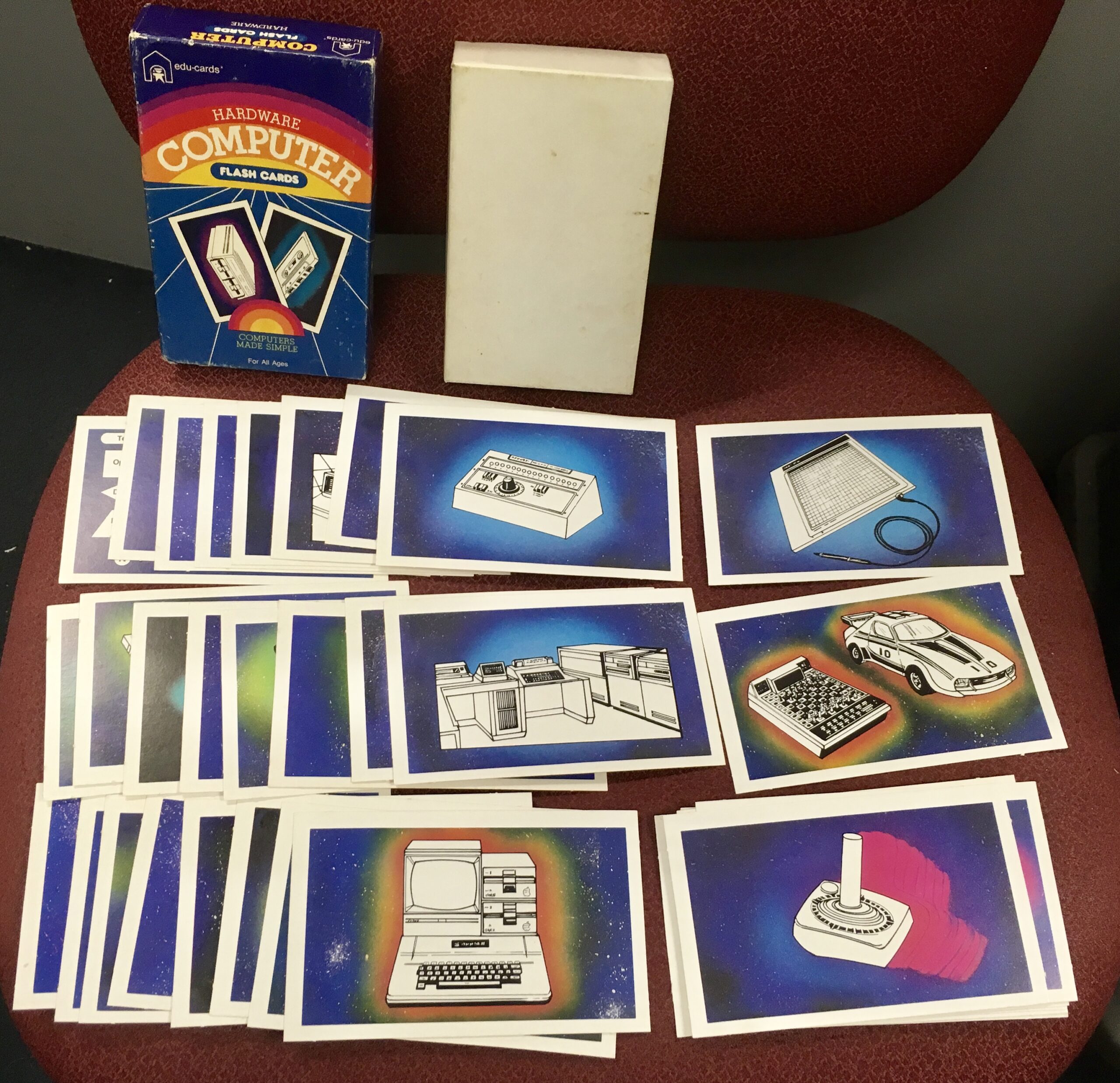
Company: Edu-Cards
Archived
Data images:
Archive.org: edu-cards-computer-flash-cards-hardware
I did not have the instructions, but found them shown online.
Transcribed from:
https://www.youtube.com/watch?v=eKnWcA09VWI
8-Bit Show And Tell
Hardware Computer Flash Cards – Quiz Game by Edu-Cards
Instructions:
COMPUTER FLASH CARDS
The computer flash cards make it more fun to learn and become familiar with basic computer hardware and terminology. It is the best way to master a background on the computer, whether the individual is studying alone or in a group. This approach builds confidence as it develops knowledge.
The Hardware cards consist of 36 cards with a 4-color illustration on one side with a corresponding term and definition on the reversed side. The Introductory Terminology and Terminology Level 1 each consists of 36 cards with a term on one side and a corresponding definition on the reverse side. Both of these items have been designed for use from either side.
The individual views one card at a time and gives the answer which can be checked by turning to the reverse side of the card. To measure progress the individual keeps two separate piles of cards. The ones they have answered correctly and the ones which they have had difficulty — the “misses”. After the full set of cards has been shown, the individual should be tested again on the “misses” pile until they have mastered all the cards.
- Stress the fun element. Keep it a game.
- Let the child set his own pace. Don’t rush him.
- At first, do just a few cards at a sitting. If he is made to do the entire set too early, he may become discouraged or tired.
- Congratulate the child on his correct answers. By understanding when he “misses’.
- After flashing a card, allow about five seconds for the answer. Gradually decrease this to three, then two, finally one second.
(c) 1983 EDU-CARDS A Division of KPB Industries, Bethlehem, PA 18017.